
Describes the basic functions of the Sensi Touch Smart Thermostat, including temperature setting, mode switching, fan switch, etc.
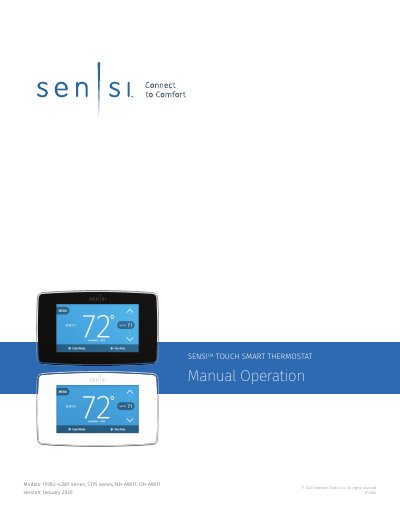
The Emerson Sensi Touch Smart Thermostat can be operated via the wall unit or through the Sensi app using Wi-Fi. The device allows users to adjust the set point, switch system modes (Heat, Cool, Off, Aux, Auto), and control the fan. Advanced features like scheduling and email alerts are managed through the app, while basic adjustments can be made directly on the thermostat.
| Operating Modes | Heat, Cool, Off, Aux, Auto |
|---|---|
| Fan Mode Options | Auto or On |
| Circulating Fan Range | 10% - 100% (5% increments) |
| Humidification Range | 5% - 50% (5% increments) |
| Dehumidification Range | 40% - 95% (5% increments) |
Yes, you can turn Wi-Fi off and manually set the time and schedule from the unit.
Turn Schedule 'Off', adjust the set point using the up and down arrow buttons, then turn Schedule back 'On' or adjust again.
It illuminates the thermostat base to help see wiring and terminals during installation.