
This manual describes how to use the Logitech Harmony Touch remote control to control home entertainment devices such as televisions, audio systems, and smart lights.
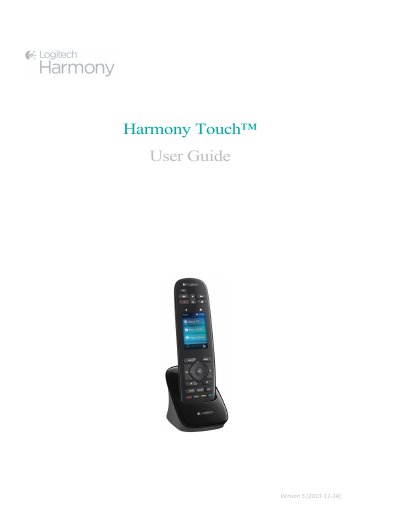
This user guide covers the features and setup of the Logitech Harmony Touch 2 remote control. It explains how to use the touch screen, navigate activities, and manage favorites. The manual details the process of connecting the remote to a computer via MyHarmony to program devices and create custom activities for your home entertainment system.
| Supported Browsers (Desktop) | Internet Explorer 8+, Chrome 16+, Firefox 11+, Safari 5.1+ |
|---|---|
| Maximum Favorite Channels | 50 |
Operating devices using their original manufacturer remote control or powering them on/off using buttons on the device itself will cause the Harmony Touch to become out of sync.
You can use the Help function on your remote to bring the TV back in sync with the devices.