
This manual introduces the operation methods of CL82107/CL82207/CL82257/CL82267/CL82307/CL82357/CL82367/CL82407/CL82467/CL82507/CL82547/CL82557 DECT 6.0 cordless telephone/answering system, including the operation methods of the main unit, hands-free headset and charging base.
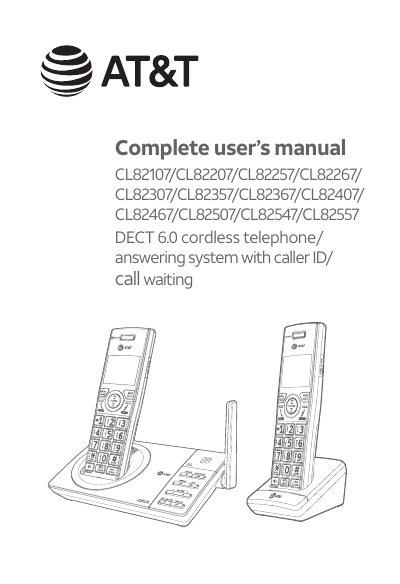
This manual covers the installation, setup, and operation of AT&T CL82107 through CL82557 DECT 6.0 cordless telephone/answering systems. It provides instructions for installing the base unit and handsets, configuring settings such as caller ID logs and speed dialing, and using advanced features like Smart Call Blocker and Push-to-Talk (PTT).
This is an AT&T DECT 6.0 cordless telephone and answering system that includes caller ID and call waiting features.
The package contains a CR1535 battery for the one-handset model and BT183342/BT283342 batteries (2.4V 400mAh Ni-MH) for models with multiple handsets.
You must install and charge the battery before using the telephone, and you should remove any protective stickers covering the displays.