
This file is the Logitech Harmony Link user manual
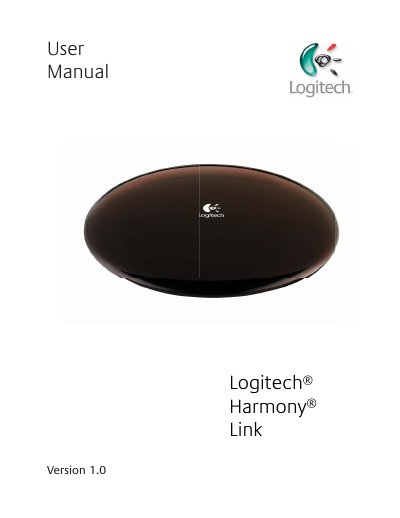
The Logitech Harmony Link is a Wi-Fi enabled device that allows users to control their entertainment system using an Apple or Android mobile device. It communicates with devices via infrared (IR) signals, enabling functions such as turning devices on or off, changing inputs, and adjusting volume through a single touch on the Harmony Link app.
To set up the device, users must connect it to a power supply and a computer, launch the My Harmony website to configure the device, and then connect it to a wireless network. Once configured, the user can add devices and activities to the app to automate control of their entertainment setup.
| Brands supported | 5,000+ |
|---|---|
| Devices supported | 225,000+ |
| Maximum # of devices | 8 |
| Power source | AC adaptor |
| IR learning | Yes |
| IR transmission range | Up to 50 ft. |
| Memory capacity | 64MB |
| Weight | 146g |
| Dimensions | 124.0 x 102.5 x 26.6 mm |
| Warranty | 1 year (2 years for Europe) |
Harmony Link allows you to use your Apple mobile device (iPhone, iPad, or iPod touch) or Android mobile device to control your entertainment system.
Your mobile device communicates with Harmony Link using your wireless (Wi-Fi) network, sending infrared (IR) signals to your entertainment devices.