
Eaton MPB1-TP/MPB2-TP Communication Module User Manual

This manual describes the characteristics and usage of the communication modules MPB1-TP / MPB2-TP.
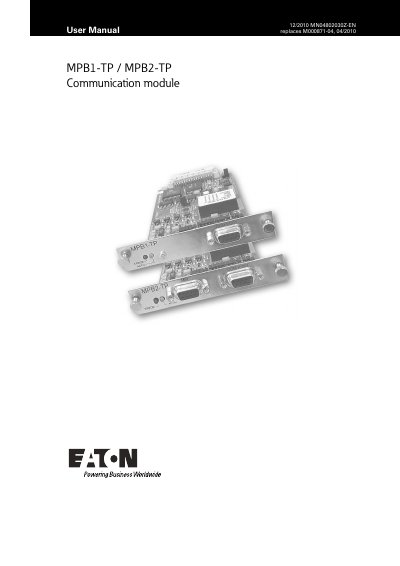

Eaton MPB1-TP/MPB2-TP Communication Module User Manual - cover page
Brand
Eaton
Document type
User Manual
Language
English
Pages
62
File format
PDF
File size
686 KB
Published
16 October, 2023
Updated
16 October, 2023
MD5 checksum
6D06E67EBCA59054CD88A0C17110FF21

About this manual

The document serves as a reference for connecting, commissioning, and operating the MPB1-TP and MPB2-TP communication cards. These cards are designed specifically for use in MICRO PANEL (XV400) devices and must be fitted or removed only when the power supply is switched off to ensure safety.

What's inside

  • Introduction
  • Interface Connection
  • Configuration
  • Firmware
  • Loading Program
  • Preparing Communication Cables
  • Commissioning
  • Driver List

Frequently asked questions

What hardware must be used with these communication cards?

These cards must only be used in MICRO PANEL devices (XV400) which provide the appropriate slot.

What is the default configuration for both MPB1-TP and MPB2-TP cards?

Both cards are factory set with RS485 default configuration.

What happens when the ERROR LED is lit on the MPB1-TP or MPB2-TP?

The red ERROR LED indicates that the last data transfer to the PLC was not executed correctly.

Download PDF (686 KB)

More Eaton Manuals


View all Eaton manuals →