
This user guide provides basic instructions for using the Cisco SPA525G and Cisco SPA525G2 SIP IP Phones.
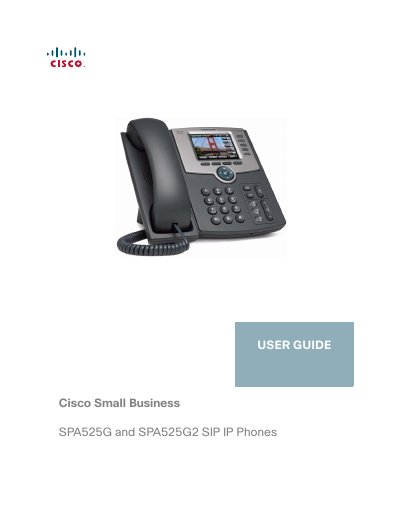
The Cisco SPA525G and Cisco SPA525G2 are full-featured VoIP (Voice over Internet Protocol) phones designed for small business environments. They support voice communication via an Ethernet connection or a built-in Wireless-G radio, allowing calls to be made using the handset, headset, or speakerphone.
The guide details how to install and configure these devices, including connecting power adapters or utilizing Power over Ethernet (PoE). It also explains advanced features such as creating speed dials, managing call forwarding, accessing voice mail, and customizing the phone screen with wallpapers and ringtones.
| Screen Resolution | 320 x 240 color, 3.2-inch LCD screens |
|---|---|
| Power Support | 802.3af Power-over-Ethernet support |
| USB Port | USB 2.0 port |
| Wireless Support | Wireless-G client support |
Yes, the phone can be powered by connecting it to an Ethernet switch that provides Power over Ethernet (PoE).
Yes, if you are using the Wireless-G connection, a Cisco PA 100 power adapter is required.
Yes, the phone provides an additional Ethernet port that allows a computer to be connected to the network.