
This document is the instruction manual for the FrSky Scout VS600 Series video transmission device, which introduces the functions and features of the device and its usage methods.
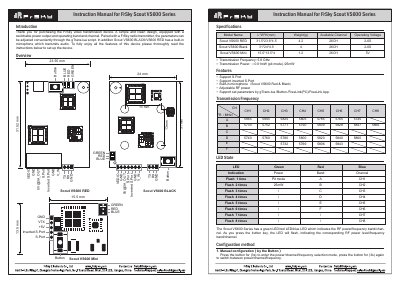
The FrSky Scout VS600 Series is a video transmission device designed for use with FrSky radio transmitters. It features a switchable power output, selectable operating bands and channels, and a built-in microphone on the RED and BLACK models. The device supports manual configuration via a button, script configuration using gTrans.lua, and software configuration via FreeLink (PC) or FreeLink App.
| Transmission Frequency | 5.8 GHz |
|---|---|
| Transmission Power | <0.01mW (pit mode) /25mW |
The Scout VS600 RED and Scout VS600 BLACK models have a built-in microphone.
Press the button for 3 seconds to enter the selection mode.
Pit Mode allows powering up the device during race events without interfering with other users, while still allowing VTX setting changes and tests.