
The document is about Taranis X9 Lite manual.
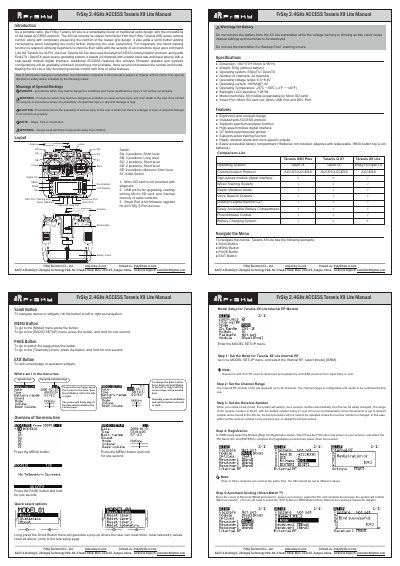
This manual provides instructions for the FrSky Taranis X9 Lite, a portable radio controller featuring the ACCESS protocol and ErskyTX/OpenTX operating systems. It details the device's ergonomic design, including a scroll button for menu navigation and a wired training function for beginners.
The guide covers essential setup procedures such as configuring the internal RF module, setting channel ranges, and performing receiver registration or automatic binding. It also includes a layout description of the switches and ports, as well as technical specifications like dimensions, weight, and operating voltage.
| Dimension | 184*170*101mm (L*W*H) |
|---|---|
| Weight | 505g (without battery) |
| Operating system | ErskyTX / OpenTX |
| Number of channels | 24 channels |
| Operating voltage range | 6.0~8.4V |
| Operating current | [email protected] |
| Operating Temperature | -20℃ ~ 60℃ |
| Backlight LCD resolution | 128*64 |
| Model memories | 60 models |
Use the Scroll Button to navigate left or right, the MENU button to access specific menus, the PAGE button to switch pages, and the EXIT button to exit operations.
The Internal RF module of X9 Lite supports up to 24 channels, and the channel range is configurable.
The system assigns receiver number 01 automatically, though the range is 00-63.
No, in ISRM Mode you do not need to press the F/S button to bind; the system will confirm "Bind successful".