
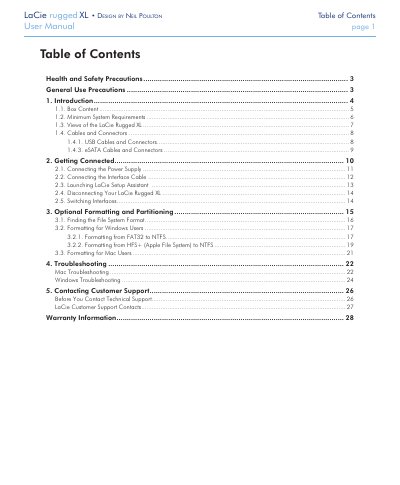
This document is the user manual of LaCie rugged XL, which introduces the features and characteristics of the product, including package contents, minimum system requirements, product appearance, cables and connectors, connecting power supply, connecting interface cable, running LaCie Setup Assistant, disconnecting, switching interfaces, optional formatting and partitioning, finding file system format, formatting for Windows users, formatting for Mac users, Mac troubleshooting, Windows troubleshooting, contacting customer support, etc.
The LaCie Rugged XL is an external hard drive designed for high-speed data transfer, supporting both USB and eSATA interfaces. It is intended to add storage space to computers running Windows or Mac operating systems. The device includes a power supply, USB cable, and eSATA cable in the box.
This guide covers the initial setup process, including connecting the power and interface cables, launching the setup assistant, and disconnecting the drive safely. It also details how to format the drive for Windows or Mac users and provides troubleshooting steps for common issues.
| Throughput | up to 3 Gbits/s |
|---|---|
| Power Requirements | 100-240 V~, 1.5 A, 60-50 Hz |
| Operating Temperature | 5° C to 35° C |
| Operating Humidity | 5-80%, non-condensing |
The box contains the LaCie Rugged XL drive, a USB cable, an eSATA cable, an external power supply, and a Quick Install Guide.
Yes, the cable will work with a USB 1.1 port, but the drive performance will be limited to USB 1.1 transfer rates.
The device requires 100-240 V~, 1.5 A, 60-50 Hz power supply.