
INNOVA V4 VTX is a small and light FPV VTX with adjustable power output and advanced features.
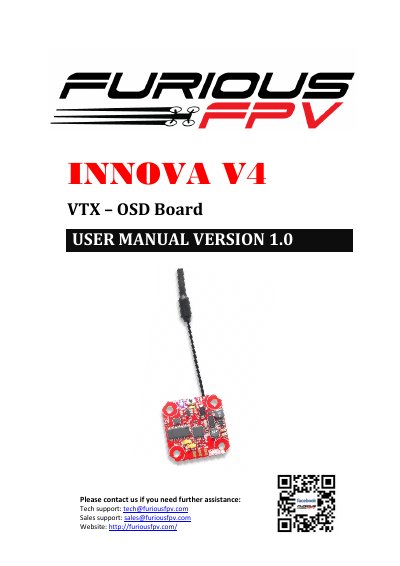
The INNOVA V4 VTX/OSD is a compact flight video transmitter featuring adjustable power output (0.1mW, 25mW, 200mW), a built-in LC filter, and integrated MWOSD functions. It supports stackable configurations with Piko F4 and Piko BLX flight controllers and includes features like Stealth Mode and Pit Mode for calibration.
| Dimensions | 27mm x 27mm |
|---|---|
| Mounting Holes | 20mm x 20mm |
| Weight | 3.6gr |
| Power Output | 0.1mW / 25mW / 200mW |
| Frequency Range | 72 Channel / 9 Band 5.8GHz |
| Input Voltage | 2S 7.4V - 5S 18.5V |
The RED LED flashes to indicate the channels, and the BLUE LED indicates the bands.
Disarm your quadcopter first, then set Throttle Middle, Yaw Right, and Pitch Full.
Pit Mode allows for calibration and tuning while you gear up for the next race.