
The 3020 is an Innova auto diagnostic tool that can read and clear car trouble codes and provides fault code definitions.
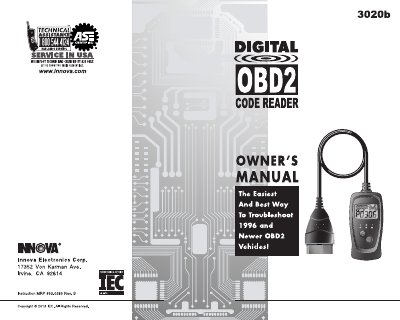
The Innova 3020 is an easy-to-use code reader designed to retrieve Diagnostic Trouble Codes (DTCs) and monitor status on all OBD2 compliant vehicles. It features a simple interface with LED indicators for system health, including Green for normal operation, Yellow for pending codes or incomplete monitors, and Red for active problems.
The Code Reader is designed to work on all OBD2 compliant vehicles, including all 1996 and newer cars and light trucks sold in the United States.
Check the Vehicle Emissions Control Information (VECI) Label under the hood or by the radiator; it must state "OBD II Certified."
A flashing Monitor icon indicates that the vehicle supports the associated monitor, but it has not yet run its diagnostic testing.