
This manual explains how to use the Car Reader to read and clear diagnostic trouble codes (DTCs) from your vehicle.
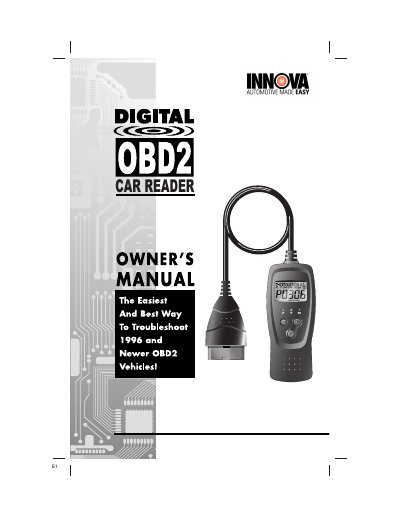
The Innova OBD2Z Car Reader is designed to work on all 1996 and newer OBD2 compliant vehicles, including domestic, Asian, and European cars and light trucks. The device connects to the vehicle's Data Link Connector (DLC) to retrieve stored Diagnostic Trouble Codes (DTCs) and display I/M Readiness Monitor status via LED indicators and an LCD screen.
The manual covers safety precautions, preparation for testing, and step-by-step procedures for code retrieval and erasing. It also includes a list of Diagnostic Trouble Code definitions and explains the function of the device's controls, such as the ERASE, SCROLL, and LINK buttons, as well as the meaning of the various LED and LCD display icons.
The Car Reader is designed to work on all OBD 2 compliant vehicles, including all 1996 and newer vehicles (cars and light trucks) sold in the United States.
Press the ERASE button to erase Diagnostic Trouble Codes (DTCs) and 'Freeze Frame' data from the vehicle's computer and reset Monitor status.
The RED LED indicates there is a problem in one or more of the vehicle's systems or that DTCs are present.