
This is a user manual, which introduces the usage methods, safety precautions and other contents.
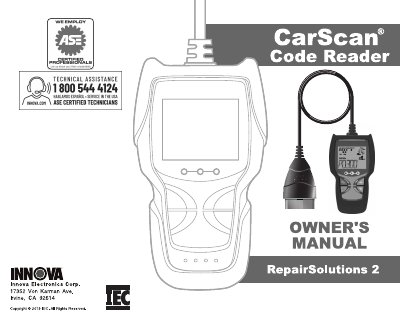
The Innova 2 is a code reader designed to link with a vehicle's on-board computer via the Data Link Connector (DLC). It retrieves Diagnostic Trouble Codes (DTCs), displays I/M Monitor status, and indicates system health through color-coded LEDs. The device supports communication via Bluetooth and WiFi for mobile applications.
The green LED indicates that all engine systems are running normally, monitors are active, and no DTCs are present.
The yellow LED indicates a possible problem, such as a pending code or that some emission monitors have not run their diagnostic testing.
The red LED indicates that there is a problem in one or more of the vehicle's systems, or that DTCs are present.