
This is a user manual for OBD2 car diagnostic tool. It includes product introduction, safety measures, and usage method.
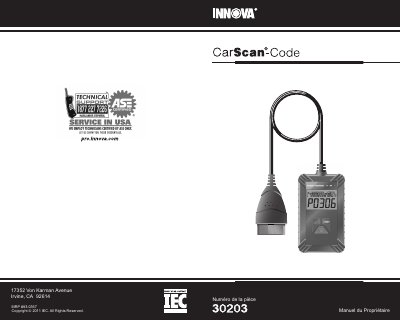
This document is the French owner's manual (Manuel du Propriétaire) for the Innova CarScan OBD2 diagnostic scanner. It provides essential information on how to use the device to retrieve and clear Diagnostic Trouble Codes (DTCs) from vehicles equipped with an OBD II system.
The guide details safety precautions, such as ensuring proper ventilation when running engines and disconnecting power before plugging/unplugging the tool. It explains the functions of the device's buttons ('ERASE', 'SCROLL', 'LINK') and LED indicators (Green, Yellow, Red) used to display engine status and code states. This manual is written in French.
Plug the CarScan into the vehicle's connector and turn the ignition switch to the 'ON' position without starting the engine.
The Green LED indicates that all engine systems are functioning normally and there are no Diagnostic Trouble Codes (DTCs).
The Red LED indicates that there is a problem in at least one of the vehicle's systems and that Diagnostic Trouble Codes are present.