
This is a manual about how to use a car OBD2 trouble code reader.
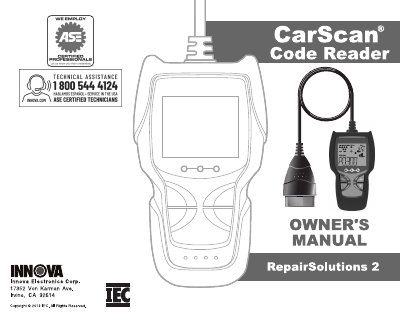
The Innova Code Reader is a diagnostic tool designed to retrieve and erase Diagnostic Trouble Codes (DTCs) from a vehicle's onboard computer. It features a user-friendly interface with buttons for retrieving Powertrain and ABS codes, viewing monitor status, and erasing stored data. The device utilizes LED indicators to show system health and connectivity status via Bluetooth or WiFi.
| Warranty Period | One (1) year |
|---|---|
| Service Contact (USA & Canada) | (800) 544-4124 |
| Service Contact (All others) | (714) 241-6802 |
The RED LED indicates there is a problem in one or more of the vehicle's systems and that Diagnostic Trouble Codes (DTCs) are present.
Press the 'ERASE' button to clear DTCs, 'Freeze Frame' data, and reset Monitor status.
Yes, press the 'ABS' button to link the Code Reader to the vehicle's ABS control module to retrieve ABS DTCs.