
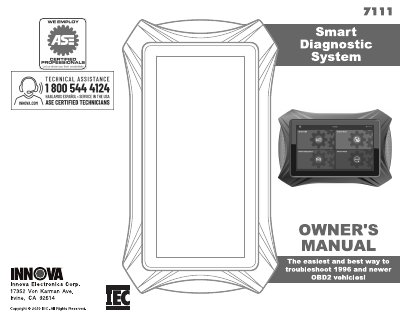
Innova Scan Tool User Manual

User Manual


Innova Scan Tool User Manual - cover page
Brand
Innova
Document type
User Manual
Language
English
Pages
76
File format
PDF
File size
1.9 MB
Published
12 October, 2023
Updated
12 October, 2023
MD5 checksum
1209BA5CDF7F3D6376646CB3A04472C8

About this manual

This document serves as a user guide for an electronic scan tool used by service technicians. It covers safety precautions, device controls, and basic operation procedures such as powering on and navigating the home page.

The manual details how to connect the tablet to a vehicle's Data Link Connector (DLC) and perform various diagnostic functions. These include global OBD2 scans, custom module scans, viewing live data, erasing Diagnostic Trouble Codes (DTCs), and executing service resets.

What's inside

  • Safety Precautions
  • Scan Tool Controls
  • Using the Keyboard
  • The Home Page
  • Onboard Diagnostics Computer Engine Controls
  • Diagnostic Trouble Codes (DTCs)
  • OBD2 Monitors
  • Connecting the Tablet
  • Scanning a Vehicle
  • Viewing Scan Results

Frequently asked questions

How do I turn on the tablet?

Press and hold the POWER button for approximately 3 seconds to turn it on.

What should I do before connecting the tablet?

Turn the ignition OFF before connecting or disconnecting the tablet from the vehicle's Data Link Connector (DLC).

How do I erase diagnostic trouble codes?

Navigate to the Erasing Diagnostic Trouble Codes section in the menu.

Download PDF (1.9 MB)

More Innova Manuals


View all Innova manuals →