
Innova RepairSolutions 2 Code Reader Owner's Manual

Instruction manual, introduces how to use the code reader to read the fault codes of the car and explains the functions of the code reader
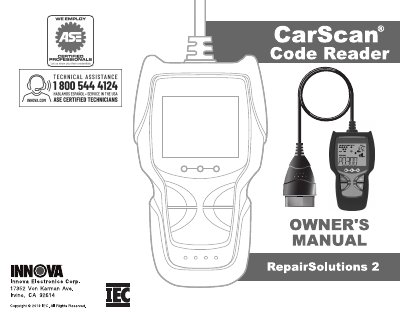

Innova RepairSolutions 2 Code Reader Owner's Manual - cover page
Brand
Innova
Category
Vehicle maintenance
Document type
User Manual
Language
English
Pages
16
File format
PDF
File size
615 KB
Published
12 October, 2023
Updated
12 October, 2023
MD5 checksum
D75F9484275DDE436390C0141FF30FB4

About this manual

This manual provides instructions for the Innova RepairSolutions 2 Code Reader, a diagnostic tool used to retrieve and erase Diagnostic Trouble Codes (DTCs) from vehicle computers. It details the device's controls, including buttons for erasing codes, viewing DTCs, and accessing ABS data, as well as LED indicators for system status.

What's inside

  • Safety Precautions
  • About the Code Reader
  • Controls and Indicators
  • Display Functions
  • Using the Code Reader
  • Code Retrieval Procedure
  • Viewing ABS DTCs
  • Erasing Diagnostic Trouble Codes
  • Warranty and Servicing
  • Service Procedures

Specifications

Warranty PeriodOne (1) year

Frequently asked questions

What does the RED LED indicate?

The RED LED indicates there is a problem in one or more of the vehicle's systems and that DTCs are present.

How do I erase Diagnostic Trouble Codes?

Press the ERASE button to erase Diagnostic Trouble Codes (DTCs) and "Freeze Frame" data from the vehicle's computer.

What is the warranty period for this unit?

The unit is warranted for one year from the date of original purchase against defects in materials and workmanship.

Download PDF (615 KB)

More Innova Manuals


View all Innova manuals →