
Innova Enhanced CanOBD2 Diagnostic Tool User Manual

This document introduces the use of the OBD2 diagnostic tool, including safety precautions, tool use methods, fault code reading, vehicle information query, etc.
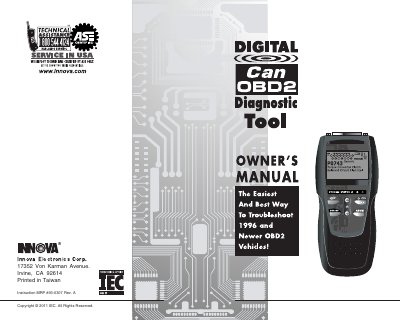

Innova Enhanced CanOBD2 Diagnostic Tool User Manual - cover page
Brand
Innova
Category
Vehicle maintenance
Document type
User Manual
Language
English
Pages
80
File format
PDF
File size
7.4 MB
Published
12 October, 2023
Updated
12 October, 2023
MD5 checksum
7187276E688FB798E6F9D21B6F37618C

About this manual

This manual provides instructions for using the Innova Enhanced CanOBD2 Diagnostic Tool on OBD2 compliant vehicles from 1996 and newer. It details how to connect the tool to the vehicle's Data Link Connector (DLC), retrieve Diagnostic Trouble Codes (DTCs), and view system status via LED indicators.

What's inside

  • Introduction
  • Safety Precautions
  • About the Diagnostic Tool
  • Battery Replacement
  • Diagnostic Tool Controls
  • Display Functions
  • Code Retrieval Procedure
  • Erasing DTCs
  • I/M Readiness Testing
  • Vehicle Applications

Frequently asked questions

What is the minimum impedance required for a digital multimeter when taking vehicle electrical measurements?

You must always use a digital multimeter with at least 10 MegOhms of impedance to prevent damage to the on-board computer.

How long must you press and hold the POWER/LINK button to turn the Diagnostic Tool On?

To turn the unit on, you need to press and hold the POWER/LINK button for approximately 3 seconds.

What type of batteries are required for the Diagnostic Tool?

The tool requires two AA-size batteries, though Alkaline-type batteries are recommended for longer life.

Download PDF (7.4 MB)

More Innova Manuals


View all Innova manuals →