
The document is about the user manual for Toshiba Global Commerce Solutions 4818-T10 2. It includes information about hardware configuration, input/output definitions, device wall mounting and reinstallation, specifications, and dimensions.
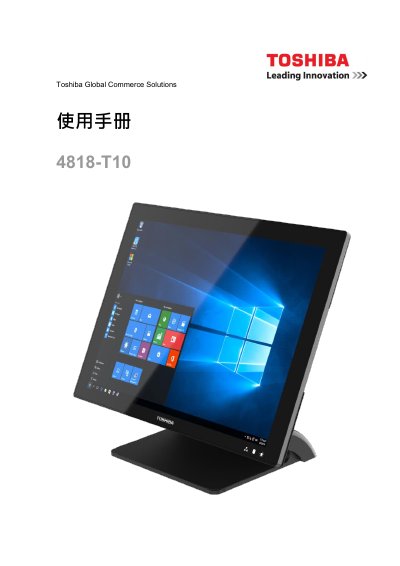
This document is the user manual for the Toshiba 4818-T10 Global Commerce Solutions POS terminal. It covers safety information, hardware configuration, and the installation of interface devices such as serial ports and customer displays. The guide also details procedures for replacing internal components like M.2 SSDs and memory modules, as well as instructions for mounting the device on a wall. This manual is written in Chinese.
| Processor | Intel Bay Trail -Mobile/Desktop Single Chip System Processor Celeron J1900 (4-core, up to 2.42 GHz) |
|---|---|
| Memory | SO-DIMM DDR3L 1067/1333MHz x 1, max 8GB |
| Touch Screen | 10-point, projected capacitive |
| Tilt Adjustment | 25 degrees to 90 degrees |
| Storage Interface | SATA (3.0 Gb/S) x 1 |
| Operating Systems | Windows 7, WES 7, POSReady 7, Windows 8.1, Windows Embedded 8.1, Windows 10 IoT, Linux kernel 4.0+ |
The package includes one device, two RJ50 to DB9 COM serial port adapter cables, one power rectifier, and a manual guide DVD.
Remove the interface device mounting hole cover on top of the device, pull out the connector, adjust the customer screen hub, and connect it to the device.