
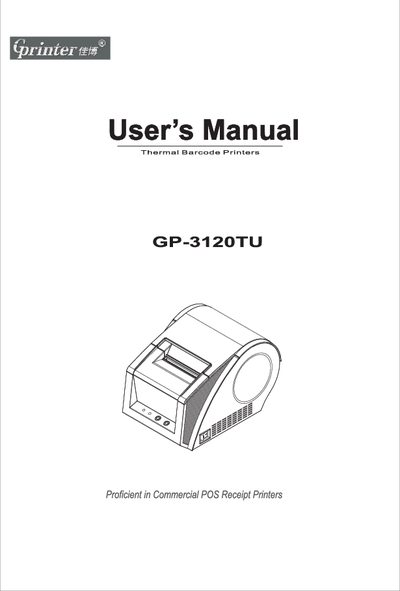
This manual introduces the GP-3120TU thermal barcode printer, describing its main features such as built‑in power adapter, support for thermal paper, label and sticker media, and adjustable printing speeds up to 5.0 in/s. It outlines the printer’s parts, media handling options, and safety warnings for handling the heated print head and cutter blade.
The guide walks users through unpacking, power and data cable connections, media installation, and printer initialization. It also covers indicator meanings, button functions, gap‑sensor calibration, and detailed cleaning procedures to maintain print quality and extend the printer’s lifespan.
| Resolution | 203 DPI |
|---|---|
| Maximum print width | 76 mm |
| Print memory | DRAM 2 MB, FLASH 2 MB |
| Interface | USB |
| Font range | FONT0 to FONT8 |
| Enlargement | 1 to 10 times |
| Power input | 24 V DC / 2 A |
| Weight | 1.4 kg |