
This document is the installation and getting started guide for ProCurve Series 2810 switches. It provides detailed information about the front and back of the switch, network ports, console port, LED indicators, reset button, clear button, and more.
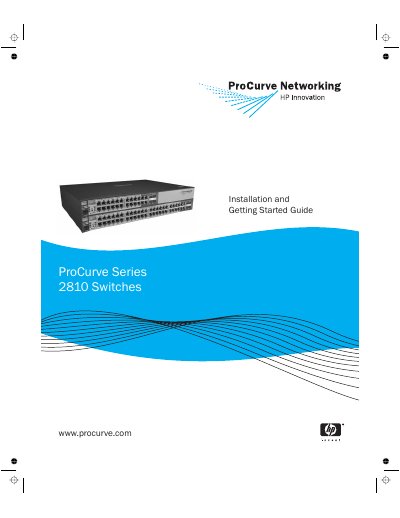
The Installation and Getting Started Guide introduces the ProCurve Series 2810 switches, describing their front and back panels, LEDs, ports, and safety considerations. It covers the hardware overview, power options, and the dual‑personality RJ‑45/mini‑GBIC ports.
The document walks through site preparation, mounting options, power connection, cable selection, and initial configuration via console, web, or Telnet. It also includes basic troubleshooting, LED diagnostics, and references to further support resources.
| Input voltage | 100‑240 V |
|---|---|
| Frequency | 50‑60 Hz |
| Operating temperature | 0 °C to 45 °C |
| Non‑operating temperature | -40 °C to 70 °C |