
This document is the user guide for the HP 2140 Fax series, describing the features and characteristics of the product.
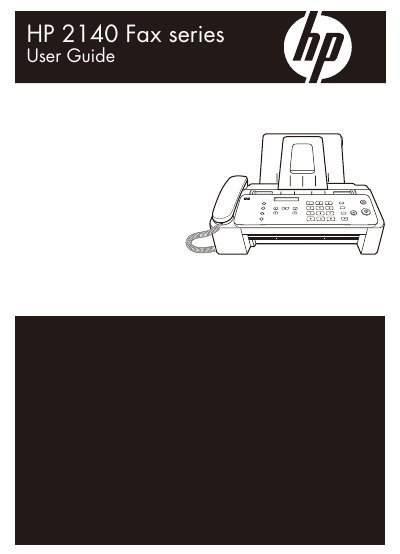
The HP 2140 Fax is a multifunction device designed to send and receive faxes, make copies, and place telephone calls. The guide details how to load paper and documents, navigate the control panel menus, and utilize various communication modes such as FAX answer mode and AUTO answer mode.
Additional features covered include Caller ID management, distinctive ring (DRPD) setup, and advanced functions like broadcasting and polling. The manual also provides comprehensive care instructions for maintaining the print cartridge and clearing paper jams.
| Paper types | Plain cotton bond paper |
|---|---|
| A4 Paper weight | 75 – 90g/m2 (20 – 24lbs) |
| Document feeder capacity | Up to 15 pages |
| Input tray capacity | Up to 50 sheets |
| Effective scanning width | 210mm (8.27in) |
You can load up to 50 sheets of plain paper in the input tray.
The document feeder allows you to load up to 15 pages.
Press the Start button to receive the fax.