
This document is the user guide for the HP Officejet 6700 e-All-in-One series printer, which provides information on how to use the product, safety instructions, accessibility features, and tips for selecting and using media.
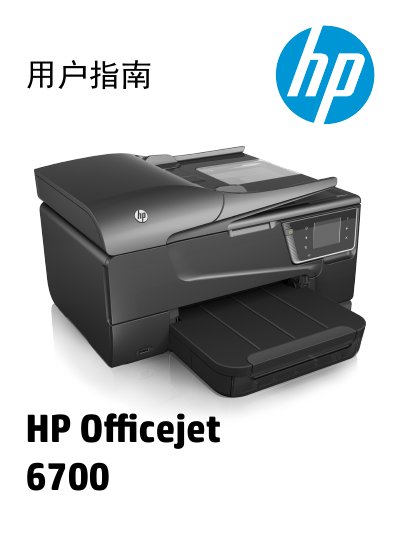
This document is the user guide for the HP Officejet 6700 e-All-in-One Series. It covers the setup, operation, and maintenance of the printer, scanner, copier, and fax functions. The guide includes detailed instructions on using the control panel, loading paper and media, and connecting the device to a computer or network. This manual is written in Chinese.
You must unplug the power cord from the wall outlet before cleaning the product.
No, there are no user-serviceable parts inside the product.
The connector must be at least 11 mm (0.43 inches) long to fit the port.