
This document provides the Getting Started Guide for HP LaserJet 5200 Series printers, including information on installation, setup, and usage. Reproduction, adaptation, or translation without permission is prohibited. The document also includes information on FCC regulations and limitations, as well as warranty statements for the printer.
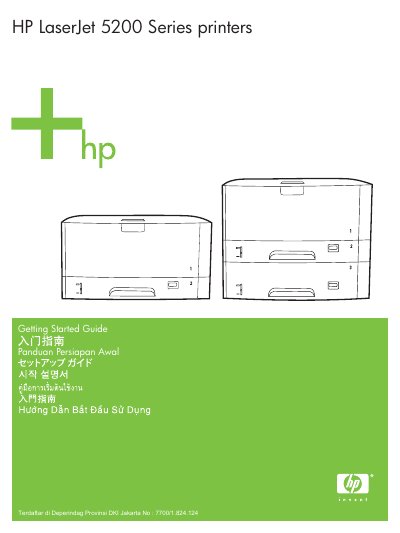
This document serves as a Getting Started Guide for the HP LaserJet 5200 Series printers. It covers essential steps to prepare the printer for use, including unpacking, positioning in a suitable area, and installing necessary accessories like paper trays and print cartridges.
The guide details procedures for connecting the printer to a network via LAN or USB, setting the language preferences on the device, and installing the required software from the included CD-ROM. It also includes instructions on printing a configuration page to verify setup.
Select a sturdy, well-ventilated, dust-free area to position the printer.
Follow the steps in section 3.2 of the guide to install the print cartridge.
Double-click SETUP.EXE on the CD-ROM and then follow the onscreen instructions.