
This document is the user guide for the HP LaserJet 1022nw wireless printer. It includes information about the printer's basic features, wireless network settings, and support information.
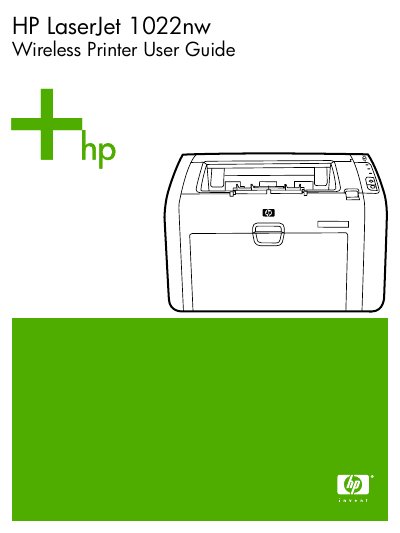
The HP LaserJet 1022nw is a laser printer equipped with an internal wireless print server supporting IEEE 802.11b/g protocols for both infrastructure and ad-hoc networking modes. This manual serves as a supplementary document to the standard user guide, focusing specifically on wireless connectivity features rather than general printer operation.
The guide details how to configure network settings using the Embedded Web Server (EWS) or by printing a configuration page. It covers essential topics such as switching between wired and wireless connections, managing security profiles like WEP and WPA, and resolving common installation problems including firewall blocks and signal strength issues.
| Wireless Protocol | IEEE 802.11b/g |
|---|---|
| Connectivity Type | Internal HP wireless print server |
No, the printer does not support simultaneous wired and wireless connections.
HP recommends connecting the printer to a network that communicates using infrastructure mode.