
This document is a setup guide for the HP LaserJet 4100 MFP series printer. It provides the necessary information for setting up the printer, including IP address, SMTP gateway, and LDAP gateway.
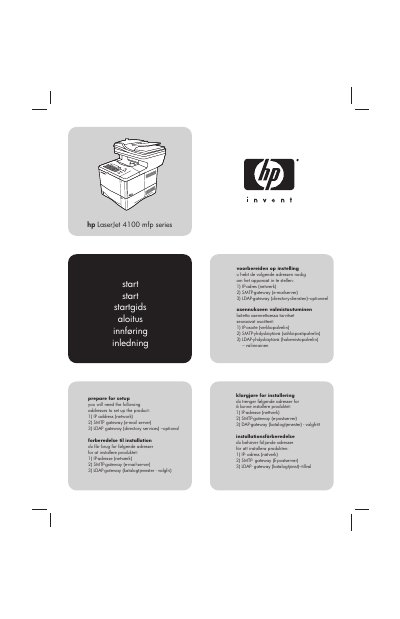
This guide provides instructions for setting up the HP LaserJet 4100 MFP series. It details the necessary network addresses required for installation, such as IP, SMTP, and LDAP gateways. The document is available in multiple languages including English, Danish, Dutch, Finnish, Norwegian, and Swedish.
| Temperature range | 50° to 91° F (10° to 32.5° C) |
|---|---|
| Relative humidity | 20% to 80% |
| Power supply voltage | 110-127 or 220-240 V |
| Frequency | 50/60 Hz |
You will need the IP address (network), SMTP gateway (e-mail server), and LDAP gateway (directory services) – optional.
The package includes the MFP, jumper cord, software and documentation, power cord, control panel overlay, toner cartridge, second 500-sheet paper tray, and duplexer.