
Extech Model CTH10A is a radio controlled clock with temperature and humidity display. It can be set manually or automatically using the RC-WWVB time signal. The clock includes an audible/visible daily alarm function with 'snooze' mode. The device is shipped fully tested and calibrated and will provide years of reliable service with proper use.
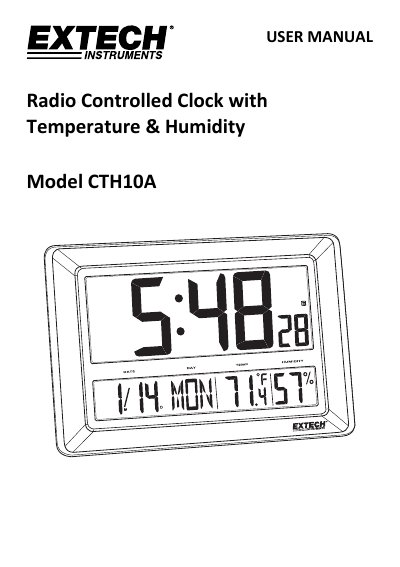
The Extech CTH10A is a real-time calendar clock that displays temperature and relative humidity using internal environmental sensors. It features an audible and visible daily alarm with a snooze function and can be synchronized automatically with the RC-WWVB time signal or set manually.
| Time Signal | RC-WWVB radio signal |
|---|---|
| Temperature Measurement Range | 0~50oC (32~122oF) |
| Relative Humidity Measurement Range | 20~99% |
| Power Supply | Three (3) 'C' type batteries |
| Dimensions | 29 x 43 x 3.8 cm (11.4 x 17 x 1.5 in.) |
| Weight | 1.25 kg (2.75 lbs.) |
The clock automatically synchronizes with the WWVB radio signal every day at 2am to maintain accurate time.
The alarm snoozes for approximately 5 minutes before alerting again.
The display will show LL.L for temperatures below the minimum or HH.H for temperatures above the maximum.