
This document provides a user guide for Thermo Anemometer CFM/CMM Model AN100. The product is capable of measuring air velocity, air flow, and temperature, and features a large and comfortable LCD screen.
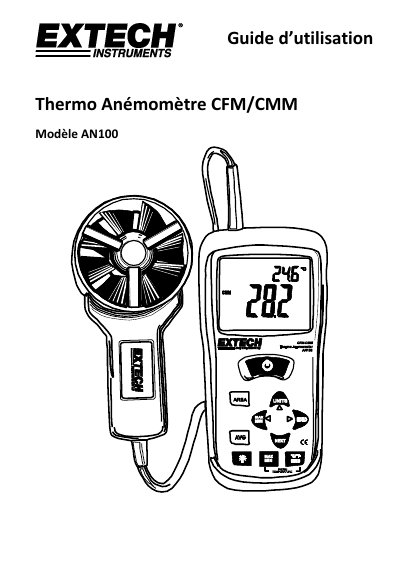
This document is the user guide for the Extech AN100 Thermo Anemometer, a device designed to measure air velocity, airflow volume (CFM/CMM), and temperature. The manual introduces the instrument's components, including the LCD screen, vane, and various control buttons for operation. This manual is written in French.
| Measures | Air Velocity, Airflow (Volume), Temperature |
|---|---|
| Airflow Units | CFM, CMM |
| Air Velocity Units | m/s, ft/min, km/h, MPH, knots |
| Temperature Units | °C, °F |
| Average Calculation | Up to 20 values |
| Memory Slots | 16 spaces (8 for CFM, 8 for CMM) |
Press and hold the AVG button until the device emits two beeps and displays AVG. Then press AVG after each measurement to add it to the average.
Press and hold the AREA button until the device beeps twice. The leftmost digit will blink, allowing you to use the arrow keys to enter the value.
Press the MAX/MIN button to toggle between displaying the maximum, minimum, and average recorded values.