
This document provides user manual for Extech RH300 and RH305 kit digital psychrometers, including product features and functions.
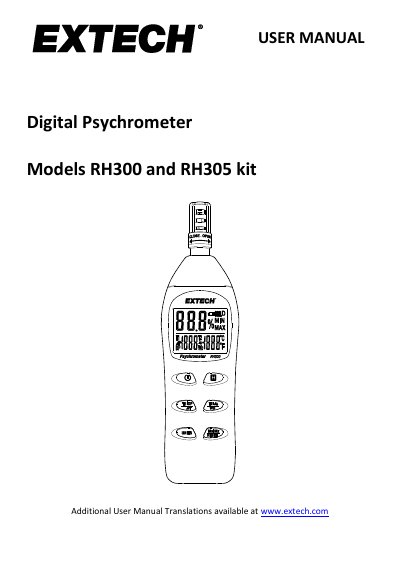
This manual provides instructions for the Extech RH300 and RH305 Digital Psychrometer, a device that measures relative humidity, air temperature, and optional external temperature. It details the functions of the buttons, display descriptions, and how to perform measurements using the internal sensor or the optional TP890 external probe. The guide also explains how to calculate Dew Point and Wet Bulb temperatures based on the readings.
| Humidity Range | 0.0 to 100.0% RH |
|---|---|
| Humidity Accuracy | ±3% RH (10 to 90%) @ 23°C |
| Internal Temperature Range | -20 to 50°C (-4.0 to 122.0°F) |
| External Probe Temperature Range | -20 to 70°C (-4.0 to 158.0°F) |
| Response Time | 60 seconds typical |
| Power Supply | 2 x 1.5V 'AAA' batteries |
| Battery Life | Approx. 80 hours |
| Dimensions | 178.5 x 48.8 x 25.2mm |
Long press the H button while switching the meter on, then hold both buttons until 'n' appears on the display to disable APO.
The device requires two 1.5V 'AAA' batteries installed in the rear battery compartment.
ER1 indicates a relative humidity measurement failure, and the meter should be repaired or replaced.