
This document is the user manual for the CFM/CMM Thermo Anemometer AN100. This instrument measures Air Velocity, Air Flow (volume) and Temperature. The large, easy-to-read backlit LCD includes primary and secondary displays plus numerous status indicators. The meter is shipped fully tested and calibrated and with proper use will provide years of reliable service.
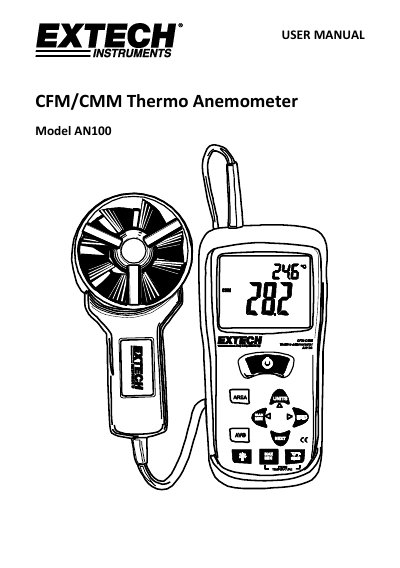
This document is the user manual for the Extech AN100 CFM/CMM Thermo Anemometer. The instrument measures air velocity, air flow (volume), and temperature. It features a large backlit LCD with primary and secondary displays, status indicators, and a vane probe for accurate airflow measurement.
| Measures | Air Velocity, Air Flow (volume) and Temperature |
|---|---|
| Battery | 9V |
| Averaging | Up to 20 readings |
| Memory Locations | 16 |
| Auto Power Off | 20 minutes |
Press and hold the AVG button until it beeps twice. The AVG icon will be displayed.
The LCD display will indicate OL in place of a Temperature reading.