
The Extech SD700 data logger is a device used for measuring, displaying, and storing humidity/pressure/temperature data. It features selectable data recording rate, long battery life, and data storage in Excel® format.
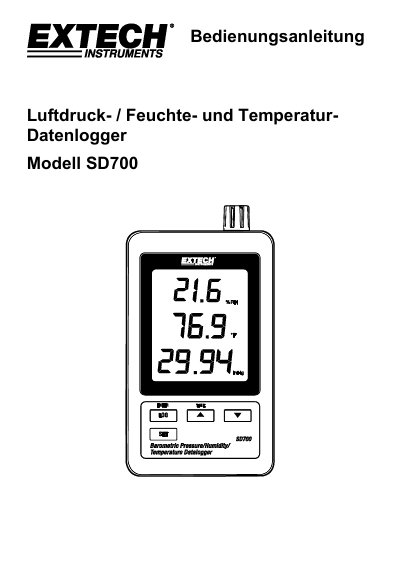
This document is the user manual for the Extech SD700 data logger, a device designed to measure, display, and store data for temperature, relative humidity, and air pressure over time. The manual provides instructions on battery installation, data recording to an SD card, transferring data to a computer, and configuring advanced settings such as sampling rates and units of measurement. This manual is written in German.
| Display | 60 mm x 50 mm (2,4 x 2,0") LCD |
|---|---|
| Measurements | Temperature, relative humidity, and air pressure |
| Storage Card | SD card, 1 GB to 16 GB |
| Sampling Rate | 5/10/30/60/120/300/600 seconds or Automatic |
| Operating Temperature | 0 to 50°C (32 to 122°F) |
| Operating Humidity | Less than 90% R.H. |
| Weight | 282 g (0.62 lbs) |
| Dimensions | 132 x 80 x 32 mm (5.2 x 3.1 x 1.3") |
The SD card should have a minimum capacity of 1 GB.
Press and hold the LOGGER button for more than 2 seconds to begin recording.
The available rates are 5, 10, 30, 60, 120, 300, 600 seconds, or AUTO.
Press the RESET button on the side of the instrument using a paperclip or similar pointed object.