
Extech SDL500 is a temperature and humidity meter that can display and store temperature and relative humidity readings. It can also display wet bulb and dew point temperature calculations. It can be connected to optional thermocouple sensors. The instrument is powered by batteries or an AC adapter.
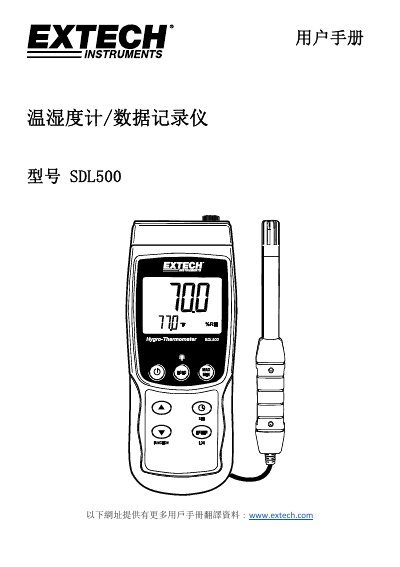
The Extech SDL500 is a data logger series instrument capable of displaying and storing temperature and relative humidity readings from an included probe. It also supports optional J-type and K-type thermocouple probes for temperature measurements. The device calculates Wet Bulb and Dew Point temperatures based on sensor inputs. This manual is written in Chinese.
The instrument can measure and display temperatures up to 1300°C (2372°F).
You must hold the power button for at least 1.5 seconds to turn the power on or off.
All data on the storage card will be lost if you attempt to format it.