
This document is the user manual for AMS Trex™ Device Communicator, which introduces the overview, features, operation guide, and application of Trex device.
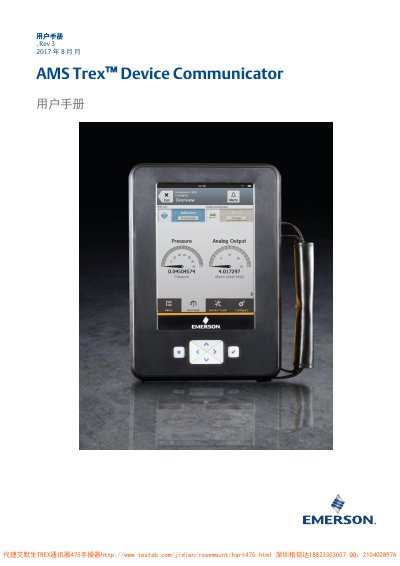
The AMS Trex Device Communicator 475 is a handheld device designed for instrument technicians to configure and troubleshoot HART and FOUNDATION fieldbus equipment in the field or at a workstation. It features a color LCD touchscreen, a lithium-ion power module, and optional communication modules to support various protocols.
This user manual provides instructions on hardware setup, connecting to devices, running supported applications, and performing diagnostics on 4-20 mA current loops or FOUNDATION Fieldbus segments. It also includes safety warnings regarding hazardous areas and static electricity. This manual is written in Chinese.
The device supports HART and FOUNDATION fieldbus equipment for configuration or troubleshooting in the field or at a workstation.
IS-certified units can operate in Zone 1 or Zone 2, IIC group, Class I, Division 1 and Division 2, Groups A, B, C, and D.
You must provide the operating system version, serial number, and application version number found in the Settings menu.