
This document describes the setup and connection steps for the Zebra LI4278 linear imager, as well as the types and pairing methods of the communication cradle. It also includes the features and characteristics of the product.
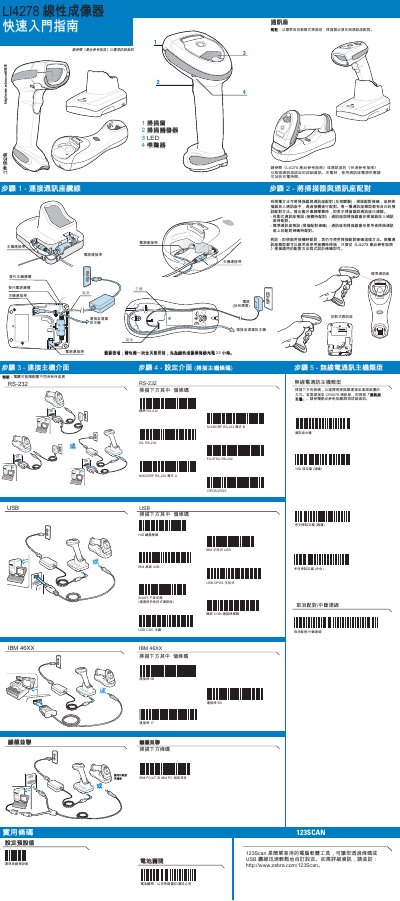
This document serves as a Quick Start Guide for the Zebra LI4278 Linear Imager. It outlines the initial setup process, including how to restore factory default settings and connect the scanner to a host interface via various cable types such as RS-232, USB, and Keyboard Wedge. The guide also details the pairing procedures for different host interfaces, including standard and projection models. This manual is written in Chinese.
Charge the Linear Imager Scanner for 24 hours before the first full day of use.
Scan the pairing barcode on the host interface to pair the scanner and interface.
A continuous green LED indicates that the scanner is fully charged.
A 4-beep sound indicates that the barcode has been decoded.