
The TC55 User Guide is a guide for the TC55 product from Symbol Technologies, Inc. The product may contain copyrighted software and the guide describes the features and usage of the product.
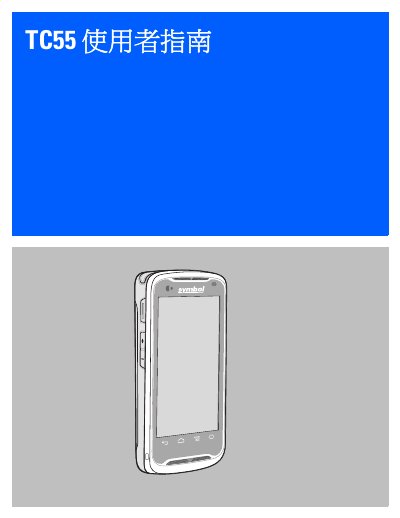
This document is the user guide for the Zebra TC55 mobile computer. It covers initial setup, including opening the box, installing the SIM card, battery, and microSD card, as well as powering on the device. The guide details how to configure the device, manage notifications, and use the touchscreen interface. This manual is written in Chinese.
| Display | 4.3 inch color WVGA; 800 x 480, 700 NITs |
|---|---|
| Battery Capacity | 2,940 or 4,410 mAh |
| CPU | 1.5 GHz dual-core processor |
| Operating System | Android 4.1.2 or 4.4.3 |
| Memory | 1 GB RAM, 8 GB flash memory |
| Camera | 8 megapixel autofocus camera |
| Operating Temperature | -10 °C to 50 °C |
| Waterproof Rating | IP 67 |
The TC55 is equipped with a 3.7V, 2,940 or 4,410 mAh smart rechargeable lithium battery.
The device operates within a temperature range of -10 °C to 50 °C.
Yes, the TC55 supports 4G LTE, HSPA+, DC-HSPA, EDGE/GPRS/GSM frequency bands.