
This document provides instructions on how to install the battery and usage precautions, including static discharge and maintenance of the print head, as well as safety precautions for lithium-ion batteries. It also provides product support and contact information for Zebra Technologies.
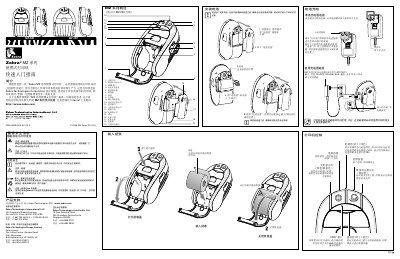
This document serves as a simplified reference for operating and maintaining the Zebra MZ Series portable printers. It provides instructions on installing batteries, loading paper, connecting to terminals or computers via USB or wireless methods, and carrying the device using an adjustable shoulder strap.
The guide also details how to clean the print head and roller, interpret indicator light statuses (power, battery, error, communication), and perform basic troubleshooting for common issues such as power failure, poor print quality, paper jams, and communication errors. This manual is written in Chinese.
Use a Zebra cleaning pen or a cotton swab dipped in a 70% isopropyl alcohol solution.
You must hold down the power switch for a sustained period until the power light turns on.
It indicates that the battery charge is less than 90%.