
TEXAS INSTRUMENTS-LMP91200-Sensor-AFE-Evaluation-Board Data Converters

This document introduces the use of LMP91200 evalboard, including connecting PH probe, RTD and configuring LMP91200
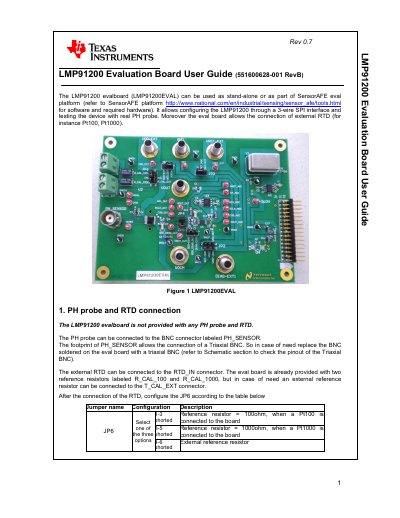

TEXAS INSTRUMENTS-LMP91200-Sensor-AFE-Evaluation-Board Data Converters - cover page
Brand
Texas Instruments
Category
Data Converters
Document type
User Manual
Language
English
Pages
13
File format
PDF
File size
559 KB
Published
04 April, 2013
Updated
30 September, 2023
MD5 checksum
4FB4B78B9705FE6F54A98A602013E2F6

About this manual

The document provides instructions for using the LMP91200EVAL evaluation board. It details how to configure jumpers (JP1-JP7) for different operating modes, including standalone usage and integration with the SensorAFE evaluation platform.

The guide covers connecting external sensors such as pH probes and RTDs via specific connectors like PH_SENSOR and R_RTD_IN. It also explains power supply connections for VDD-EXT and VREF-EXT, ensuring voltage levels remain within the 1.8V to 5.5V range.

What's inside

  • PH probe and RTD connection
  • Stand alone usage
  • Sensor AFE evaluation platform
  • Connectors and Jumpers
  • Schematic
  • Board Layout

Frequently asked questions

What voltage range is required to power the LMP91200EVAL in standalone mode?

You must connect a supply voltage between 1.8V and 5.5V between the VDD-EXT and GND banana plugs.

What is the maximum allowed voltage for the external voltage reference?

The reference voltage cannot be bigger than the voltage applied at the VDD-EXT pin.

How are the LMP91200EVAL and SPIO4 boards connected in the Sensor AFE platform?

Connect the LMP91200EVAL to the SPIO4 board through the SPIO-GPSI16 connector, aligning the boards by the white arrow.

Download PDF (559 KB)

More Texas Instruments Manuals


View all Texas Instruments manuals →