
This document is the user manual for MCM720 Micro Hi-Fi System 2. It includes information about the product's features, operation instructions, and safety precautions.
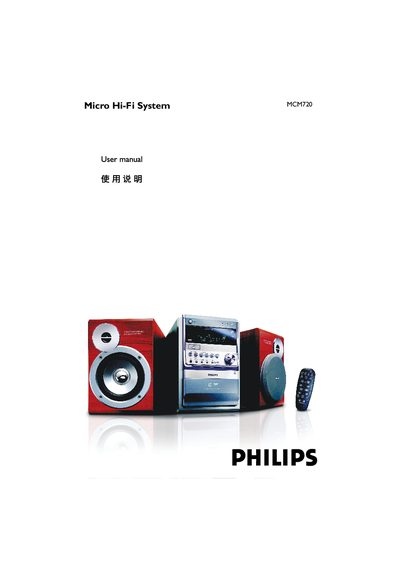
This manual guides users through the safe installation and everyday use of the Philips MCM720 Micro Hi‑Fi System. It covers safety precautions, power and antenna connections, speaker wiring, remote‑control battery installation, and how to operate CD, MP3‑CD, radio, tape, and USB playback functions.
The document also includes detailed technical specifications, maintenance recommendations, and a troubleshooting section that helps resolve common issues such as clock/timer settings, USB compatibility, and audio problems.
| Amplifier output power | 2 x 50 W RMS |
|---|---|
| Peak power (PMPO) | 1800 W |
| Signal‑to‑noise ratio | ≥ 62 dBA (IEC) |
| Frequency response (amplifier) | 40 – 15000 Hz ± 3 dB |
| Speaker impedance | 6 Ω |
| Headphone impedance | 32 Ω |
| Maximum editable CD/MP3‑CD tracks | 20 |
| USB playback speed | 12 Mb/s, V1.1 |
| FM radio frequency range | 87.5 – 108 MHz |
Press and hold the CLOCK SET key while the unit is in standby; the hour digits flash, adjust with the VOLUME knob, then press CLOCK SET again to set minutes and confirm.
Insert the speaker wires into the SPEAKERS terminals, connecting the right‑hand speaker to the “R” terminal and the left‑hand speaker to the “L” terminal, observing polarity markings.
The remote uses two R03 (AAA) batteries; insert them according to the “+” and “–” polarity markings in the battery compartment.
Use a Philips‑branded CD laser‑head cleaning solution and follow the product’s instructions to gently clean the head.