
This document is a summary of the TC User Manual, including installation concerns, product information, technical specifications, legal information, customer service and warranty, troubleshooting and frequently asked questions.
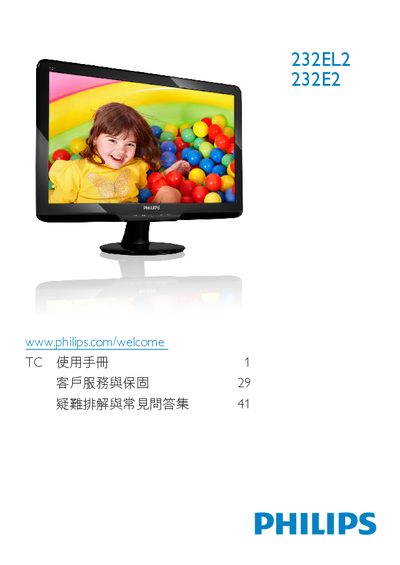
This manual provides safety guidelines, disposal instructions, and warranty information for the Philips 232E2/232EL2 LCD monitor. It explains how to install the monitor, connect power and video cables, and adjust the on‑screen display (OSD) settings.
The document also lists technical specifications such as native resolution, refresh rate, temperature and humidity limits, VESA mounting dimensions, and available video inputs. A comprehensive FAQ section helps resolve common issues like unsupported video modes and color‑setting adjustments. This manual is written in Chinese.
| Native Resolution | 1920 x 1080 @ 60 Hz |
|---|---|
| Operating Temperature | 0‑40 °C (32‑95 °F) |
| Operating Humidity | 20‑80 % RH |
| VESA Mount Size | 100 mm × 100 mm |
Set the computer to the recommended resolution of 1920 × 1080 @ 60 Hz, then reconnect the monitor and restart the PC.
Yes, the monitor supports a standard 100 mm × 100 mm VESA mounting interface.