
This document is a quick start guide for the Philips MCM720 micro music system. The guide provides information on the included accessories, step-by-step instructions for setting up the system, and how to play CDs and use the USB player feature.
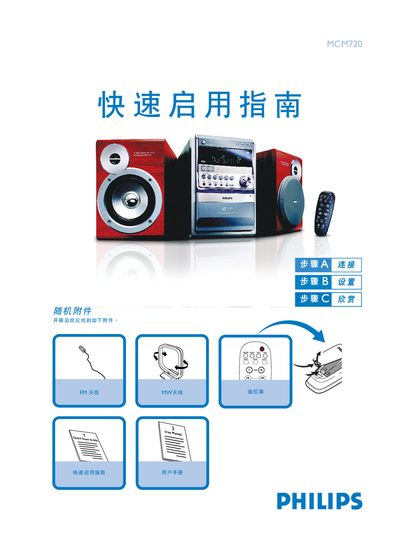
This guide shows how to connect the MCM720 micro system to speakers, FM/MW antennas and the mains power cable. It includes step‑by‑step instructions for attaching speaker cables, positioning the antenna, and powering the unit.
It also explains basic operation such as playing CDs, setting the clock, using USB flash drives or cards, and programming radio stations. The guide provides key button functions for volume, source selection, and eco‑power standby mode. This manual is written in Chinese.
| USB interface | USB 2.0 or USB 1.1 |
|---|
Connect the speaker cables between the speaker terminals and the speakers as shown in the guide.
In standby mode, hold the CLOCK SET button, turn the VOLUME knob to adjust hours, press CLOCK SET again, adjust minutes, and press CLOCK SET once more to confirm.
Insert the USB flash drive into the USB port, press the SOURCE (or USB/CARD) button to select USB, and then play the audio files just like CD tracks.