
This product is the Philips MC-V320 micro hi-fi system, which has the ability to play damaged discs and ensure that the sound quality is clear
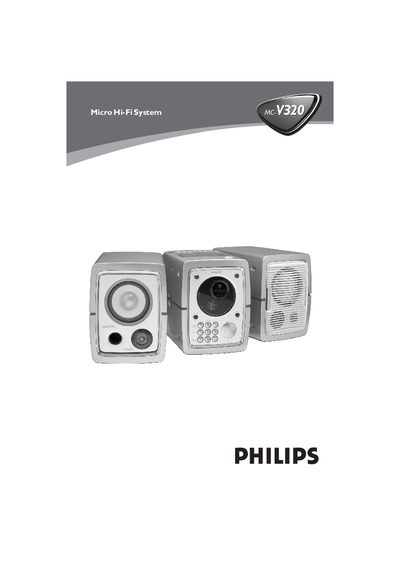
This manual covers everything needed to install and use the Philips MC-V320/21-1 Micro Hi-Fi System, including safety precautions, power‑voltage selection, and connection of external speakers, antennas and video cables. It also explains the basic functions such as CD/VCD/MP3‑CD playback, radio tuning, cassette operation and timer/clock settings.
Detailed sections guide you through preparing the unit, adjusting volume and sound effects, programming tracks, using the Super Error Correction technology, and performing maintenance and troubleshooting. Technical specifications are listed for power output, frequency response, speaker impedance and more.
| Output Power (RMS) | 2 × 20 W |
|---|---|
| Signal‑to‑Noise Ratio | ≥ 62 dBA |
| Frequency Response | 63 – 16000 Hz, ±3 dB |
| AUX Input Sensitivity | 0.5 V (max 2 V) |
| Speaker Impedance | 6 Ω |
| Headphone Impedance | 32 Ω |
| FM Wavelength Range | 87.5 – 108 MHz |
| Weight (with speakers) | 8.4 kg |
| Standby Power Consumption | < 6 W |
Press and hold the CLOCK SET button while the unit is in standby; the hour digits will flash. Use the VOLUME +/- keys to set the hour, press CLOCK SET again to set minutes, then confirm with CLOCK SET.
Locate the voltage selector on the rear of the unit and switch it from the default 220 V to 110 V‑127 V before turning the system on.
Connect the speaker wires to the SPEAKERS terminals: the right speaker to the “RIGHT” terminal and the left speaker to the “LEFT” terminal, matching polarity (+ to red, – to black).
Insert two AA (or R06) batteries following the (+) and (‑) polarity markings shown inside the battery compartment.