
The document contains information about the features and characteristics of the product.
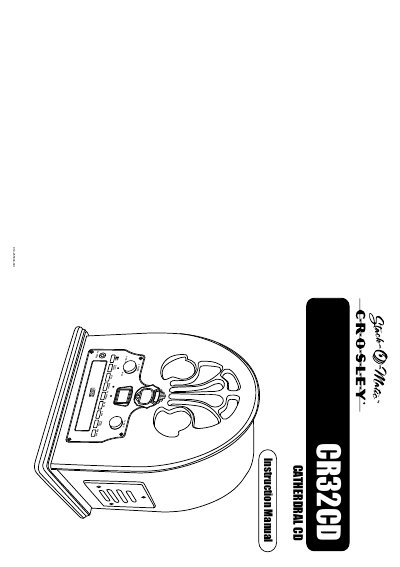
The Crosley CR32CD Cathedral CD player is a portable audio device featuring CD playback, AM/FM radio, and a programmable play function. It includes controls for volume, track skipping, and repeat modes, along with a headphone jack for private listening. The unit operates on an included AC adapter and features a 3-inch speaker system.
| Frequency Range (FM) | 87.5 - 108 MHz |
|---|---|
| Power Supply | AC adapter (DC 12V 1A) |
| Power Consumption | 14W |
| Warranty Period | 90 days |
Crosley Radio Products are warranted against defects in material and workmanship for 90 days.
First, ensure the AC adapter is connected and plugged in correctly, then rotate the VOLUME ON/OFF KNOB from the OFF position past the click to turn on the unit.
Check the volume level by turning the VOLUME KNOB, as the unit may simply be set to a low volume.
Ensure the CD is inserted with the label side facing up, the surface is clean, and the function switch is set to CD.