
This document is the instruction manual for the Corsair product CR612, which includes important safety guidelines such as reading instructions, adhering to warnings, cleaning, using attachments, avoiding water/moisture, and ensuring proper ventilation. Users are advised to read and retain for future reference.
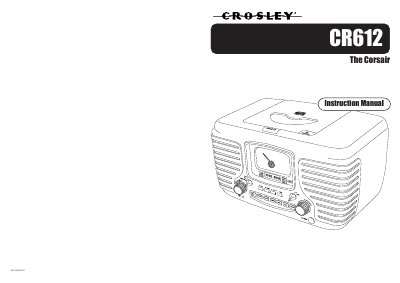
This is the instruction manual for the Crosley CR612 The Corsair, a radio with AM/FM tuning, a CD player and a headphone jack. It opens with a long list of important safety safeguards covering cleaning, attachments, water and moisture, ventilation, power sources, grounding or polarization, cord protection, lightning, overloading, servicing and heat.
The manual also includes a Crosley Radio limited warranty statement, a specification block listing the frequency ranges, power supply, power consumption and speaker rating, instructions for using the headphone jack, care notes for compact discs and the cabinet, and a short troubleshooting section for no power, no sound and CD playback problems.
| Frequency Range (AM) | 530 - 1710 KHz |
|---|---|
| Frequency Range (FM) | 88 - 108 MHz |
| Power Supply | AC 120V ~ 60Hz |
| Power Consumption | 18W |
| Speaker | 3” x 5” 8Ohm 5W x 2 |
Crosley Radio products are warranted against defects in material and workmanship for 90 days beginning from the date of sale to the original purchaser.
Check that the CD is inserted correctly with the label side facing up, that its surface is clean, and that the function switch is set to CD.
Connect your stereo headphones to the headphone jack; while headphones are connected, the internal speakers are disabled.
Wipe the cabinet with a soft dry dust cloth and do not use wax, polish sprays or abrasive cleaners.