
This document describes the features and characteristics of the products from a certain brand, including xxxxx.
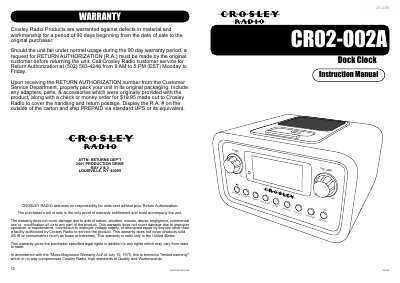
This document is the instruction manual for the Crosley CR02-002A Dock Clock. It details the warranty terms, troubleshooting steps for common issues like power failure or iPod connectivity, and safety warnings regarding electrical shock and moisture. The manual also includes a list of technical specifications.
| Frequency Range (AM) | 530 - 1710 KHz |
|---|---|
| Frequency Range (FM) | 87.5 - 107.9 MHz |
| Power Supply | AC Adaptor DC15V 1.3A |
| Speaker | 3" 4ohm 7W x1 |
Crosley Radio Products are warranted against defects in material and workmanship for a period of 90 days beginning from the date of sale.
Remove the iPod from the dock, unplug the unit from the power source, remove the backup batteries, wait one hour, and then resume use.
Press and hold the Alarm Set Button until the alarm time flashes, turn the Tune Knob to set the time, and press the Alarm Set Button again.
No, the unit cannot control 1st or 2nd generation iPods, iPod Shuffles, or other devices.