
This document is the user manual for Crosley Radio CR221 Solo Tabletop Receiver, which introduces the features and characteristics of the product and how to use it.
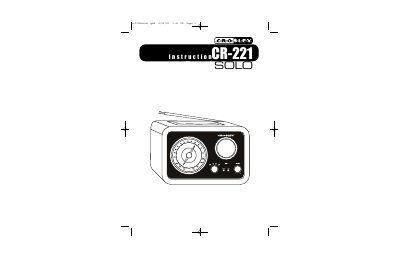
This manual provides instructions for the Crosley CR221 Solo Tabletop Receiver, a device featuring Crosley's exclusive AroundSound design. It includes guidance on unpacking, setting up the power adapter, and locating controls such as the tuner dial, function knob, and volume knob.
The document details how to operate the built-in AM/FM radio and connect portable audio devices like MP3 players or CD players via the auxiliary input. It also explains how to use the auxiliary output to connect the radio to other components and provides a troubleshooting guide for common issues like no power or distorted sound.
| Frequency Range (FM) | 87.5 - 108.5 MHz |
|---|---|
| Frequency Range (AM) | 525 - 1710 KHz |
| Power Source | AC 120V ~ 60 HZ |
| Power Consumption | 30 W |
| Antennas | External FM Antenna, Built-in Ferrite AM |
It is an exclusive design using a single, custom-designed driver to simulate surround sound and create a warm, ambient tone.
Yes, the radio is ready to play portable audio products including MP3 players and CD players by connecting them to the AUX input.