
Crosley CR1701A iJuke User Manual

This document introduces the use of Crosley iJuke, including product features, operating instructions and precautions.
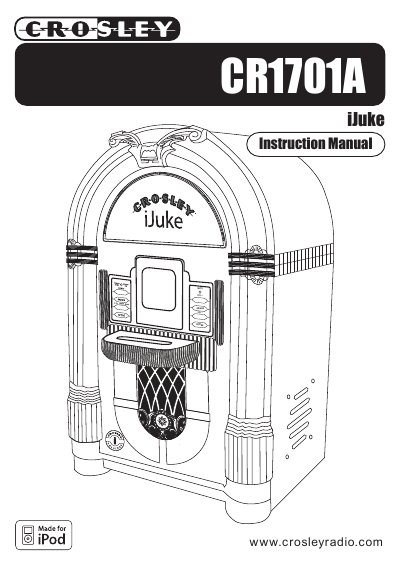

Crosley CR1701A iJuke User Manual - cover page
Brand
Crosley
Category
Other Electronics
Document type
User Manual
Language
English
Pages
12
File format
PDF
File size
377 KB
Published
09 August, 2012
Updated
30 September, 2023
Model
CR1
MD5 checksum
882CECF1C7A2AF6D55EE842AA5646E1F

About this manual

The Crosley CR1701A iJuke is a portable music player featuring a Universal Dock compatible with newer iPod models and an auxiliary input for other devices. The unit includes internal speakers, a remote control, and a DC jack for power.

What's inside

  • Important Safety Instructions
  • Specifications
  • Getting Started
  • Unit Controls
  • Remote Controls
  • Unpacking and Set Up
  • Using your iJuke
  • Connecting Optional Equipment
  • General Troubleshooting

Specifications

Power SourceInput AC120V 60Hz
OutputDC15V 1100mA
Power Consumption25W
SpeakerDynamic type 4" 4 Ohm x 2

Frequently asked questions

How do I connect an iPod without a dock connector?

Use the supplied Auxiliary Cable to connect the iPod to the Auxiliary Input (Aux In) jack on the back of the unit.

How do I remove the dock adapter?

Push your fingernail into the slot in the back of the adapter and lift it up.

What type of batteries are required for the remote control?

The remote control requires 2 AAA batteries, which are not included in the package.

Download PDF (377 KB)

More Crosley Manuals


View all Crosley manuals →