
Panasonic BL-PA100A HD-PLC Ethernet Adaptor Operating Instructions

BL-PA100A is the operating instructions of Panasonic HD-PLC products, mainly introducing the safe use, installation, connection of network devices and other information.
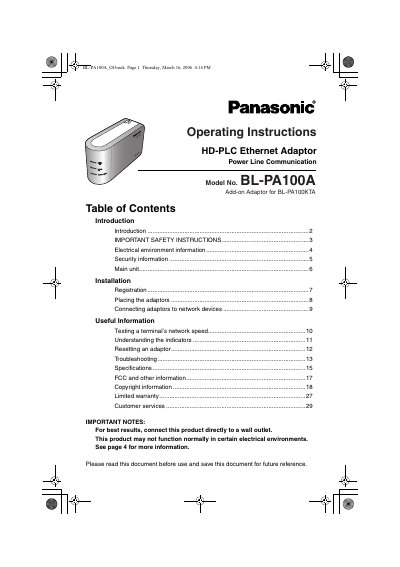

Panasonic BL-PA100A HD-PLC Ethernet Adaptor Operating Instructions - cover page
Brand
Panasonic
Category
Other Electronics
Document type
User Manual
Language
English
Pages
32
File format
PDF
File size
1.1 MB
Published
08 August, 2012
Updated
30 September, 2023
MD5 checksum
ED9DD5D8226076607DFA9497CC56BCE3

About this manual

This document provides operating instructions for the Panasonic BL-PA100A HD-PLC Ethernet Adaptor. It details how to register the device as a master or terminal unit within an existing electrical wiring network using the included AC cord. The manual explains the function of various indicators and buttons, including the SETUP button for registration and the FACTORY DEFAULT RESET button for reconfiguration.

What's inside

  • Introduction
  • Important Safety Instructions
  • Electrical Environment Information
  • Security Information
  • Main Unit Description
  • Registration Procedure
  • Placing the Adaptors
  • Understanding Indicators
  • Resetting an Adaptor
  • Troubleshooting

Specifications

Encryption StandardAES 128-bit encryption

Frequently asked questions

What is the recommended power source for best results?

Connect the adaptors directly to a wall outlet.

How long must the SETUP buttons be pressed within each other during registration?

The SETUP button on each adaptor must be pressed within 5 seconds of each other.

Download PDF (1.1 MB)

More Panasonic Manuals


View all Panasonic manuals →