
This file is a user manual that introduces the CF-VDRRT3W DVD-ROM Drive.
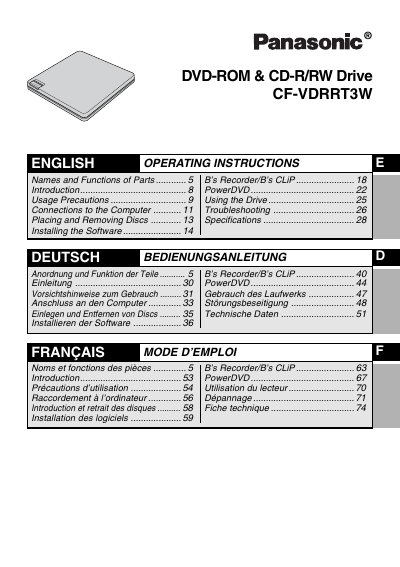
This manual provides operating instructions for the Panasonic CF-VDRRT3W DVD-ROM and CD-R/RW drive. The device connects to compatible Panasonic notebook computers via a USB interface and supports reading and writing various disc formats including DVD-Video, CD-R, and CD-RW.
The guide details the names and functions of parts on the top and bottom panels, explains how to place and remove discs using the emergency open lever if necessary, and describes software installation for PowerDVD. It also includes troubleshooting steps and technical specifications.
| Laser Class | Class 1 (HHS and IEC 60825-1) |
|---|---|
| CD Wavelength | 784nm |
| DVD Wavelength | 662 nm |
This drive is compatible with Microsoft Windows XP Professional and Microsoft Windows 2000 Professional.
The system requires at least 64 Mo of memory, with 128 Mo or more recommended.