
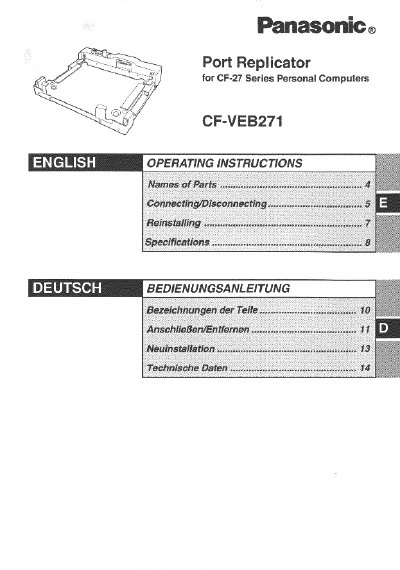
This manual provides operating instructions for the Panasonic CF-VEB271 port replicator, which is equipped with connection terminals compatible with the CF-27 Series notebook computers. It allows users to connect peripheral devices such as keyboards and mice without needing multiple cables during transport.
The document details how to safely connect and disconnect the device from the computer, including specific steps for power management and using the security lock. It also covers software reinstallation procedures required after connecting the port replicator.
| Power Supply Input | DC 15.6 V |
|---|---|
| Expansion Bus Connector | 80-pin female |
| Parallel Port | Dsub 25-pin female |
| Display port | Mini Dsub 15-pin female |
| Serial Port A | Dsub 9-pin male |
| Physical Dimensions | 335 mm x 319 mm x 77mm |
| Weight | Approx. 2.7 kg |
It is not recommended to use an interface cable longer than 3 meters (118.11 inches).
No, while you can swap devices between ports, connecting two keyboards or two mouse devices simultaneously is not possible.