
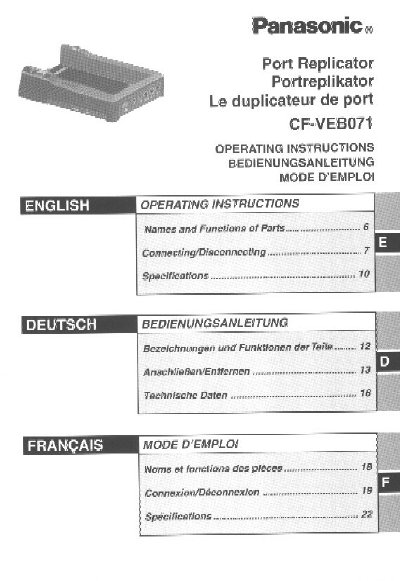
This document provides operating instructions for the Panasonic CF-VEB071 port replicator, designed for use with the Panasonic CF-07 toughbook computer series. It explains how to connect peripheral devices to save time during transport and lists the functions of the various ports and connectors on the unit.
The manual details the proper procedures for connecting and disconnecting the port replicator to the computer, emphasizing safety precautions such as powering off the device before connection. It also includes specific warnings regarding the use of interface cables, AC adaptors, and laser safety, along with FCC compliance information.
| Compatible Computer Series | Panasonic CF-07 toughbook computer series |
|---|---|
| Recommended Interface Cable Length | Not longer than 3 m (9.84 feet) |
| Required AC Adaptor Model | CF-AA1639A |
| Microphone Type | Monaural condenser microphone |
No, using an interface cable longer than 3 m (9.84 feet) is not recommended.
You must use only a monaural condenser microphone to avoid audio issues or equipment damage.
No, you must power off the computer and disconnect all cables before connecting or disconnecting the port replicator.